Invention
Figma
Vibecoding
Motion Design
Period
March–July 2025
Team
Jasper Schminke
Tools
Figma, Vibecoding, After Effects
Strategies
Interviews, Wireframes, Prototyping, Concept
Design process
In the “Aikon” project, we were tasked with developing an innovative solution that would meet the needs of UX/UI designers over the next 2 to 5 years. The starting point was the challenge that finding suitable, modern, and consistent icons is often time-consuming and cumbersome. Our approach focused on using artificial intelligence to design a tool that radically simplifies the process of finding and custom-generating icons, while preserving users’ creative control and seamlessly integrating into existing design workflows. In doing so, we placed special emphasis on an inspiring, practical, and user-centered design that enables new ways of working in interface design and effectively supports designers.
Research
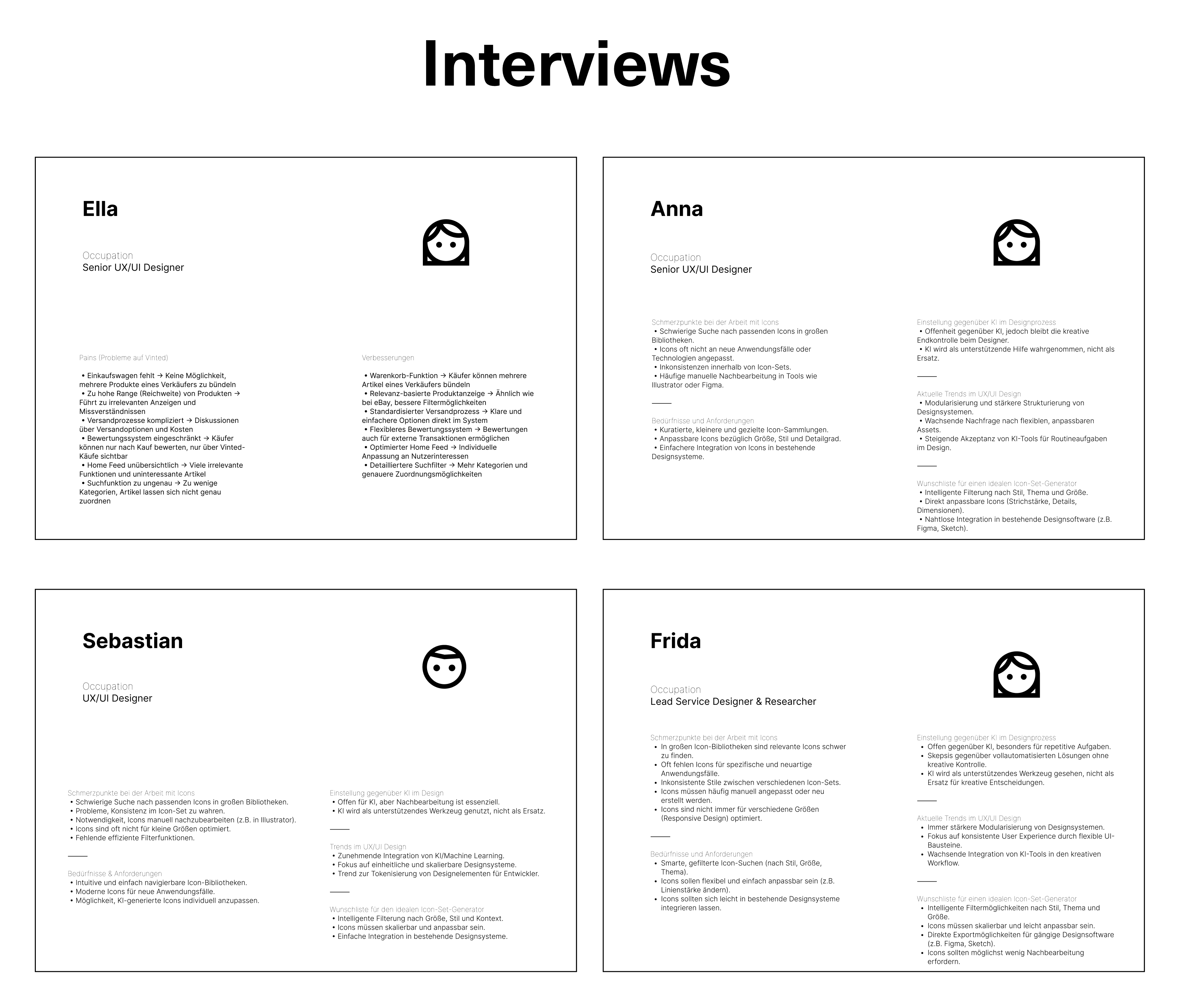
As part of our research, we conducted four interviews with experienced UX/UI designers in the industry. These conversations provided us with valuable insights and practical tips, particularly regarding the time-consuming challenge of finding suitable icons for existing icon sets or creating them from scratch. We also received important feedback on the designers’ openness to using artificial intelligence as a supportive tool for designing new icons efficiently yet creatively. These insights formed the basis for the user-centered further development of our tool.
Prototyping
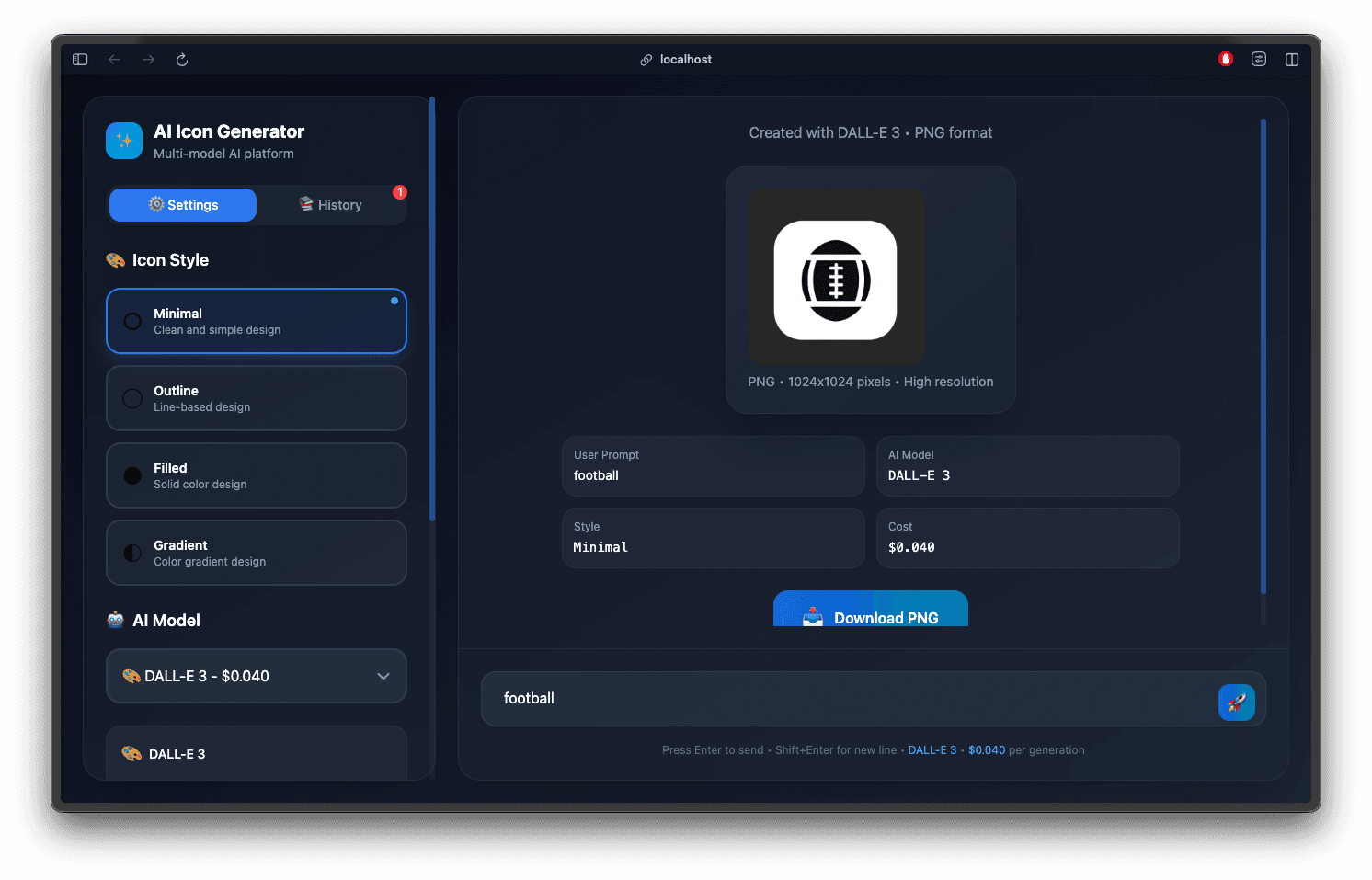
During the prototyping phase, we tested the technical feasibility of our idea to create icons using artificial intelligence. To do this, we developed our own program connected to OpenAI’s API. Through this interface, we were able to use various AI models and generate icons directly within our tool. To cover a wide range of styles and settings, we created specific prompt variations that serve as instructions for the AI. This prototype provided us with valuable insights into the practical implementation and potential of our approach.
Process
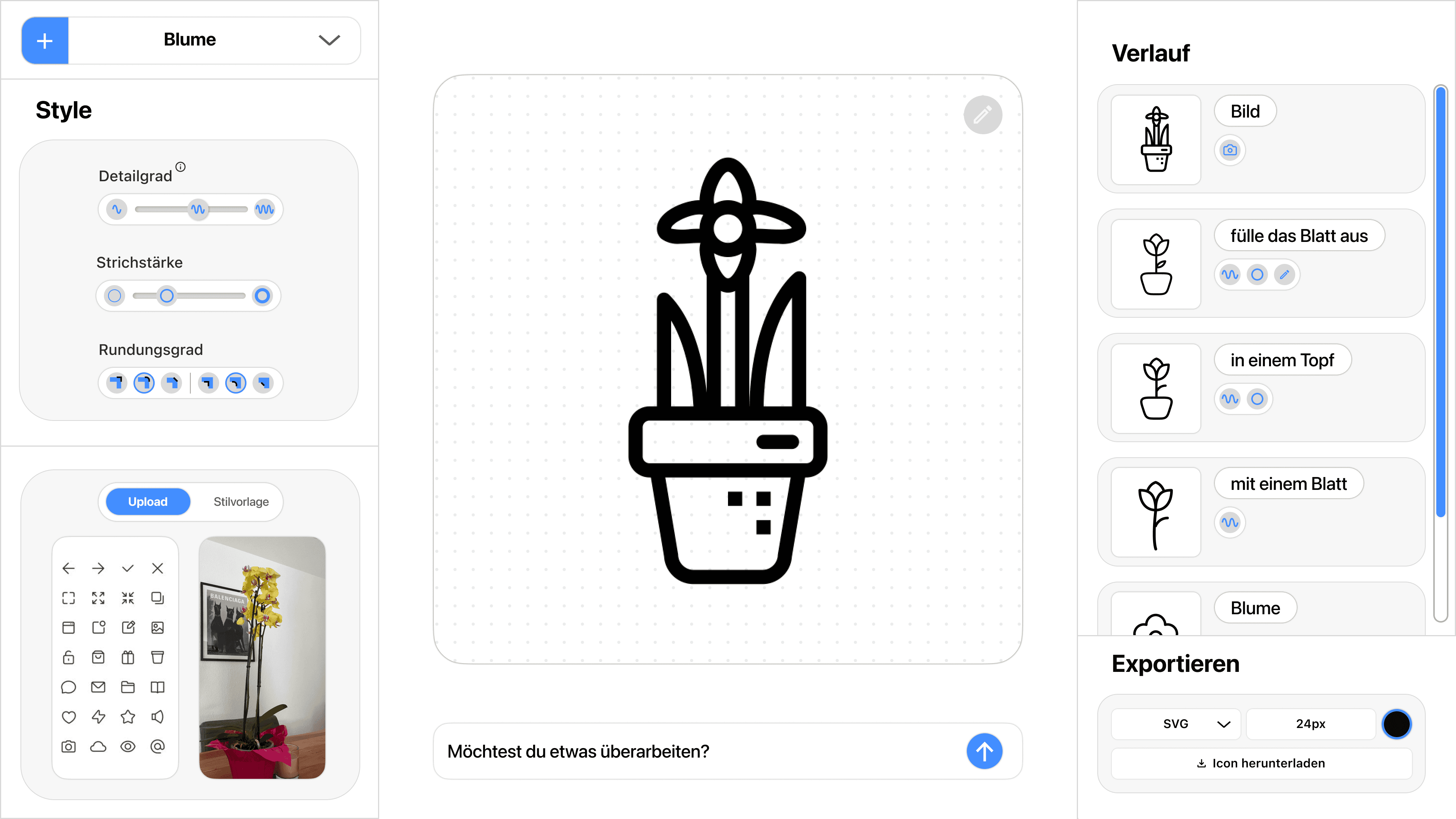
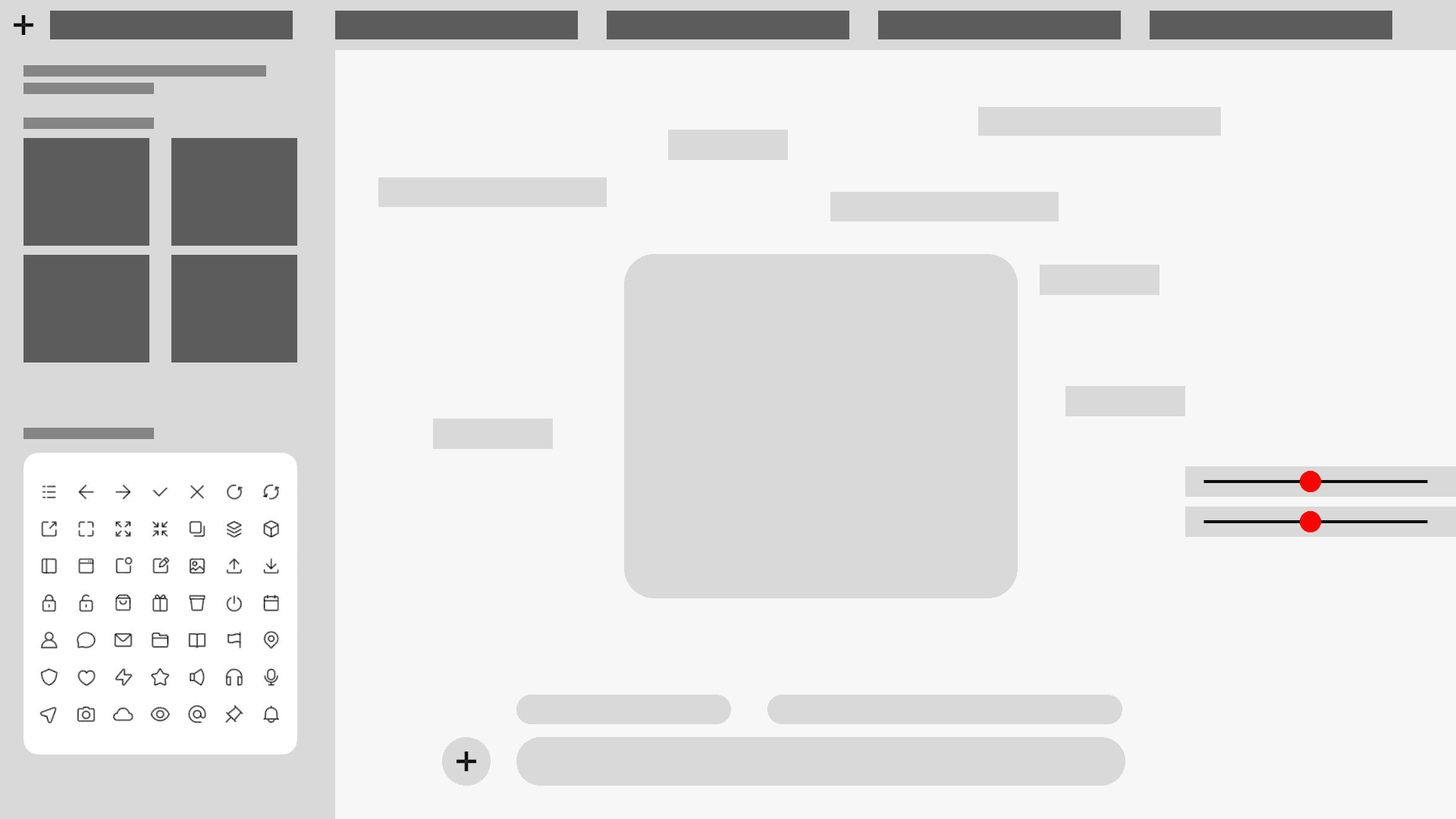
During the process, we explored various approaches to how the AI obtains the information needed to create a new icon. We examined whether users could upload a complete icon set or just a single icon to generate a consistent style based on it. We also considered the possibility of uploading an image of a real-world object, from which a suitable icon would then be generated using prompts. It is also conceivable to upload both an icon set and an image of an object to generate a custom icon from them. These variations allowed us to define and test the most flexible and user-friendly methods for inputting information for AI-driven icon creation.
Result
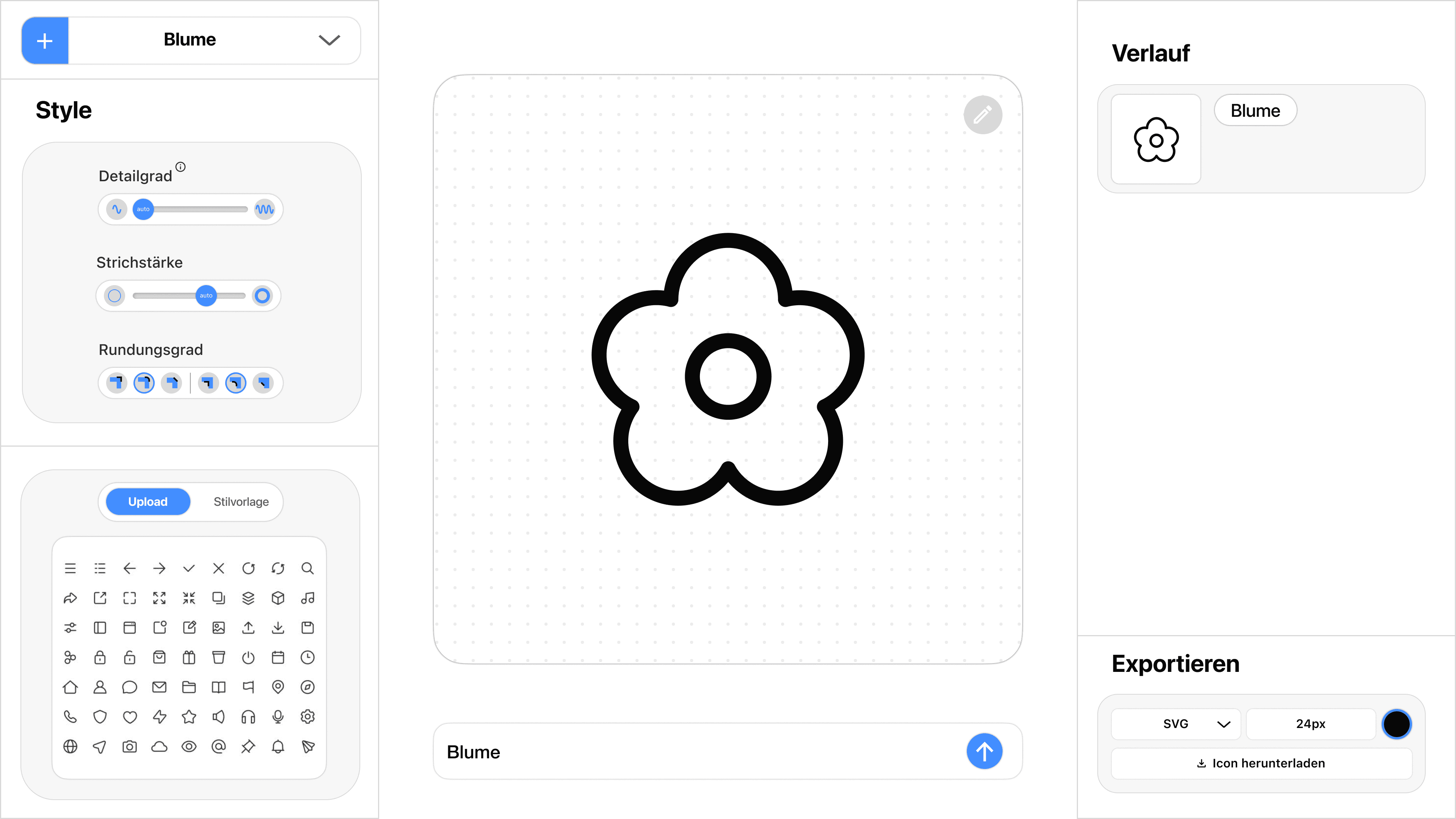
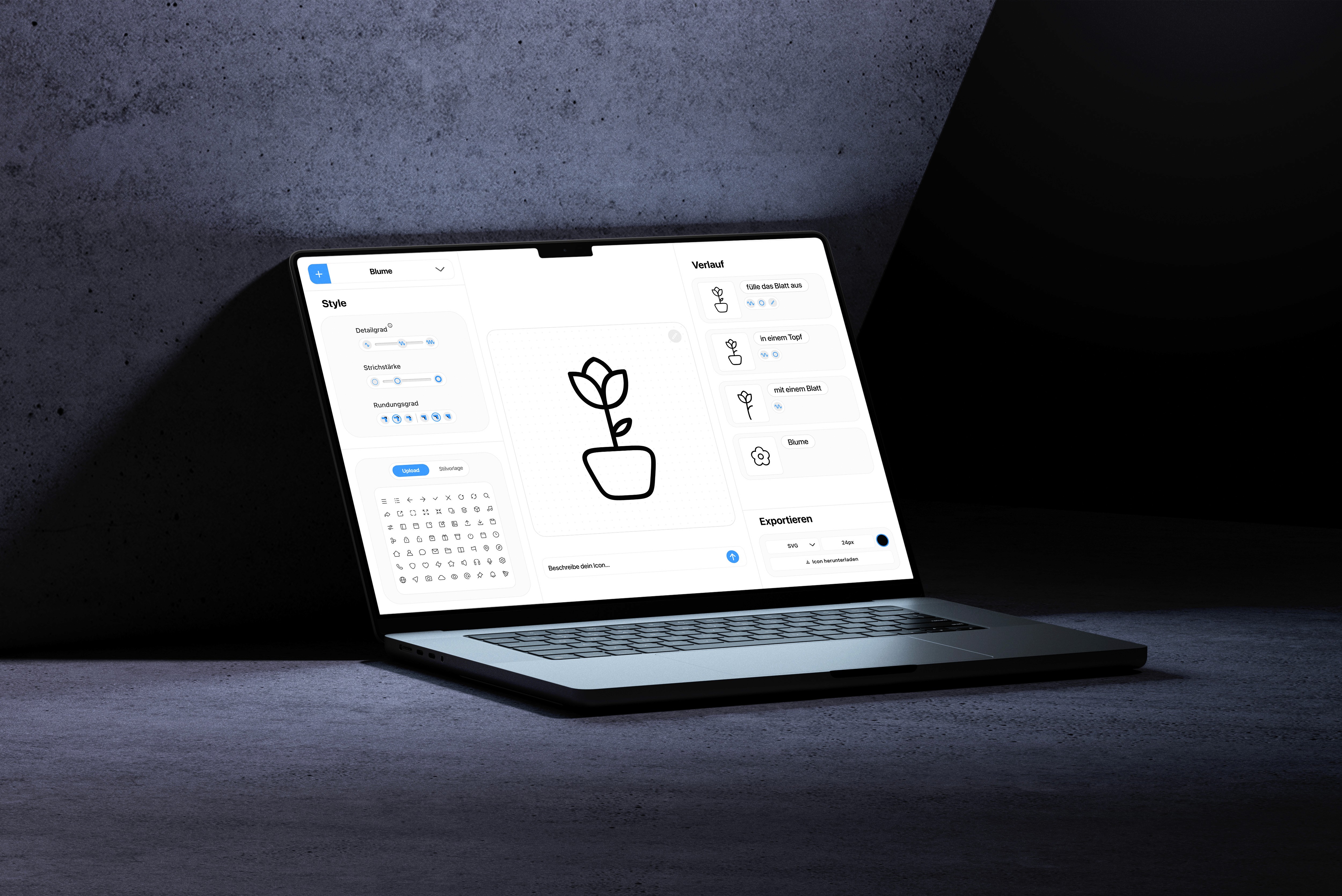
The end result of our project allows users to create icons flexibly using AI-generated tools. The level of detail, line thickness, and degree of rounding can all be customized. Users can upload a complete icon set, a single icon, or an image as a source of inspiration, which the AI uses for generation. Using a series of prompts, the icon can be adjusted until the result is satisfactory. Finally, the icons can be exported in various formats, such as SVG or directly into design tools like Figma, ensuring a seamless workflow.